Sign with confidence in Adobe Acrobat Sign
Add qualified signing to Adobe Acrobat Sign and sign employment contracts and other important documents with legal validity, at the highest level via your trusted Adobe environment.
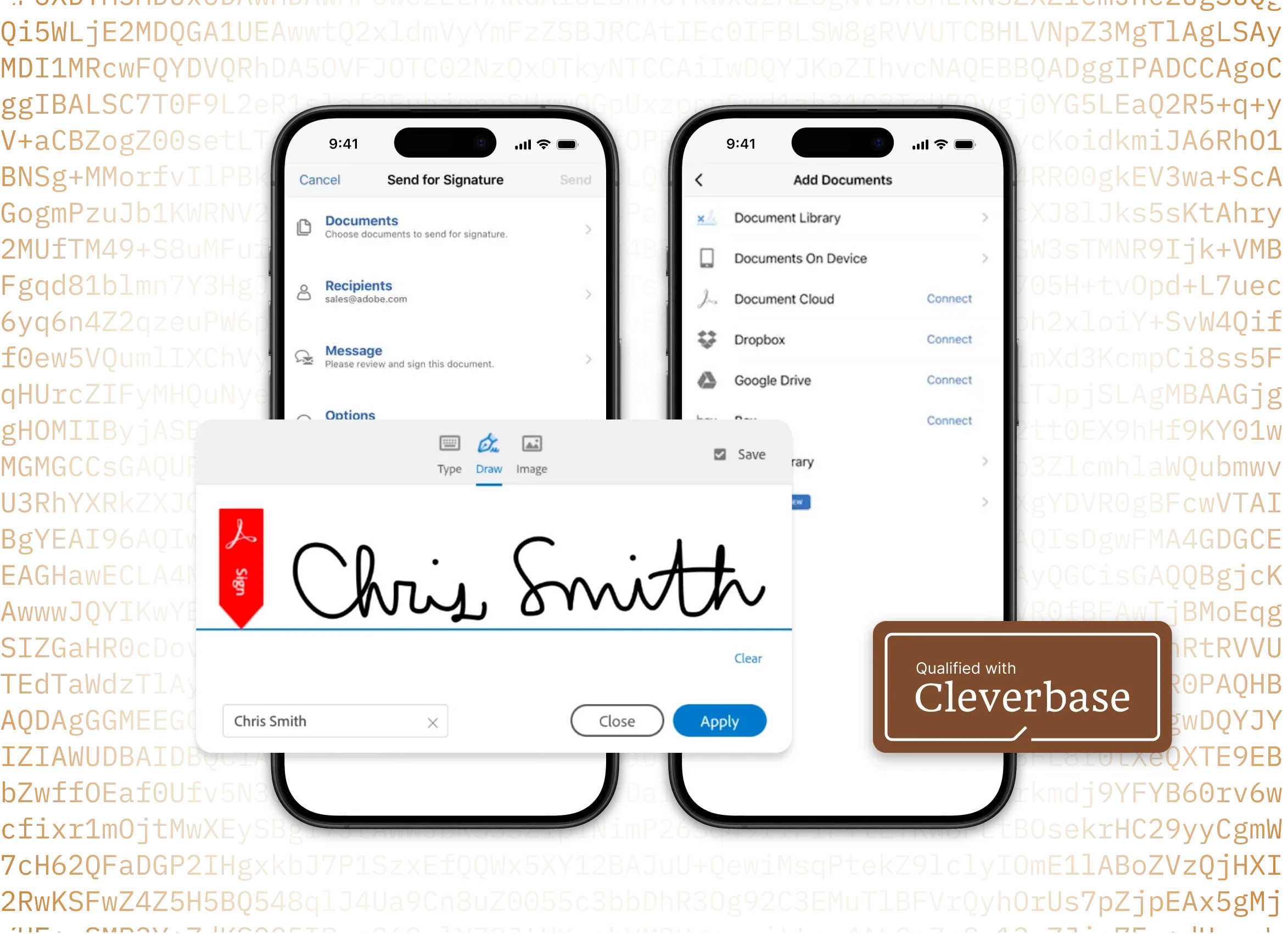

Microsoft's preferred solution for e-signatures


Sign without leaving your Microsoft or Adobe apps
Trusted by more than 500,000 organisations worldwide
Enterprise-grade security, GDPR compliant
Now also qualified signing, via Cleverbase
Sign to the prescribed standard
For many HR documents an ordinary digital signature is not enough. For documents with legal or financial consequences, such as employment contracts, the qualified electronic signature offers the certainty prescribed by the Dutch government.

“For documents with serious financial or legal consequences, a qualified electronic signature is needed for sufficient certainty.”
“Sometimes the use of the qualified electronic signature is mandatory. For example when insurers draw up a policy digitally. Or when employers digitally provide employees with data including name, position and salary. For example via an employment contract.”Read the full text
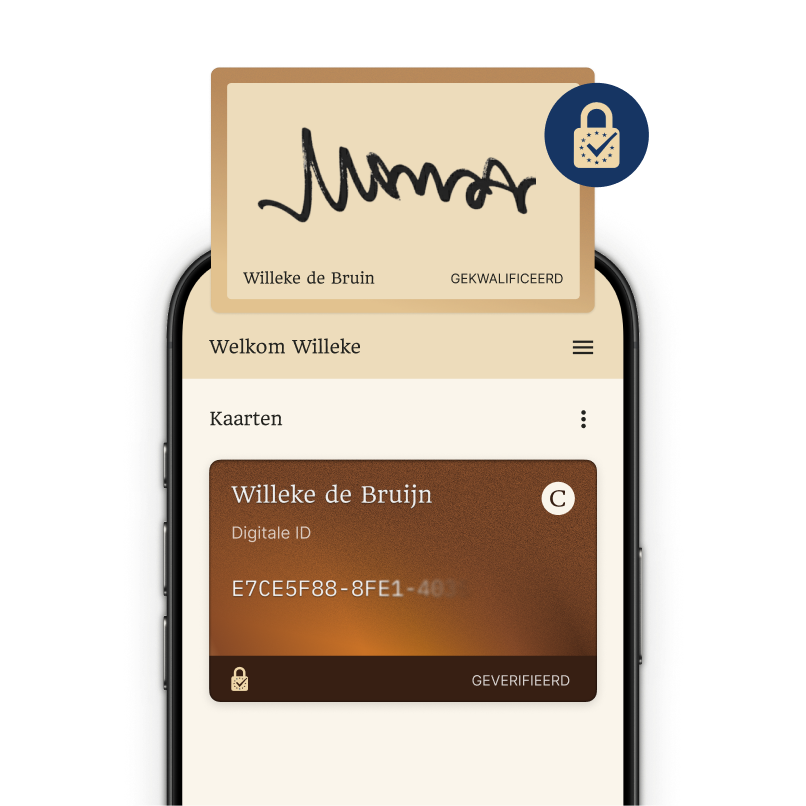
Qualified signing made simple
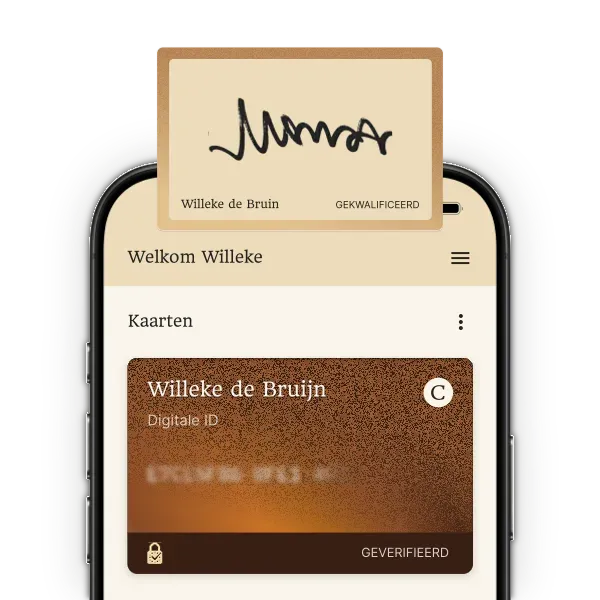
Once Cleverbase is configured in your Adobe Acrobat Sign account you can easily place qualified signatures (QES). This establishes the identity of the signer with the highest level of certainty and makes the digital signature legally valid.
Read moreWe make trust services easy
With Cleverbase you can easily add qualified signing to your Adobe Acrobat Sign account. We take care of the registration and configuration, so you can start signing in a qualified way in no time.
One-time online registration, within 10 minutes

Then you can easily sign at a qualified level

Trust services at low rates
Qualified trust services don't have to be expensive. With us you know where you stand and pay low rates.

Qualified signing
Sign your documents with legal validity, or have others sign in a qualified way.
per person
per year
excl. VAT1
1Excluding any platform costs
Sign yourself with Cleverbase
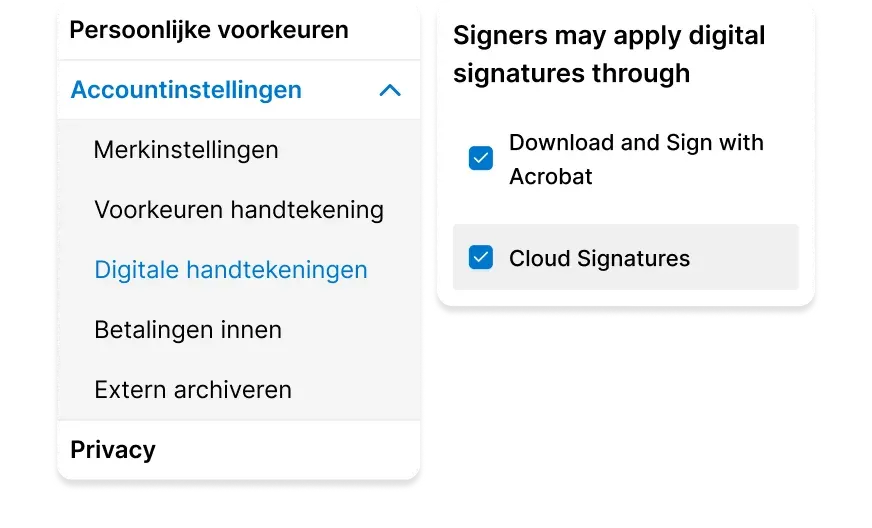
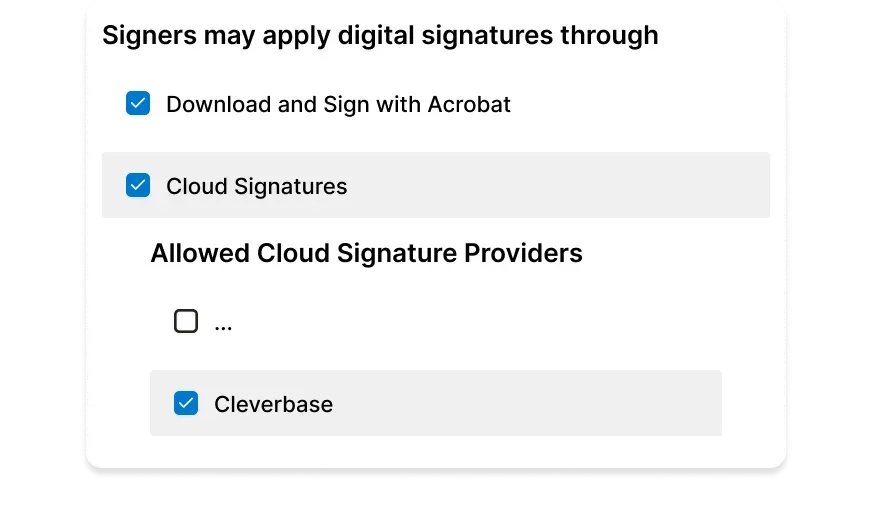
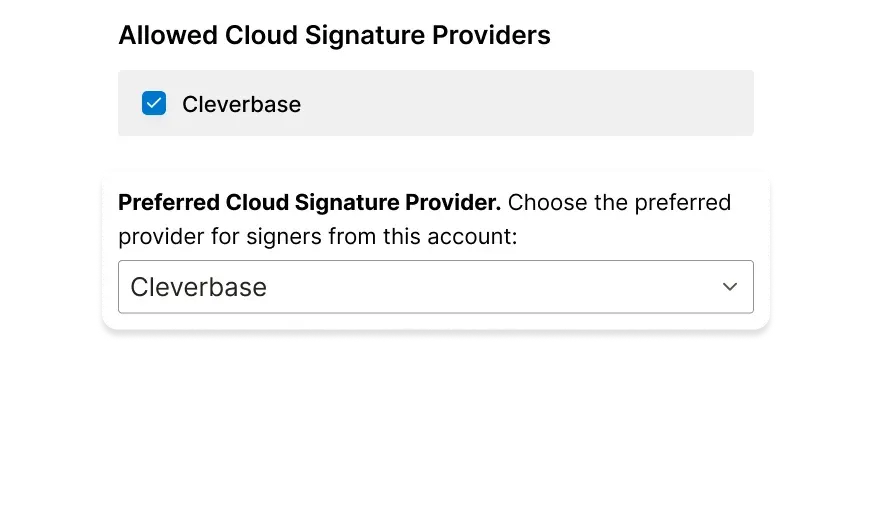
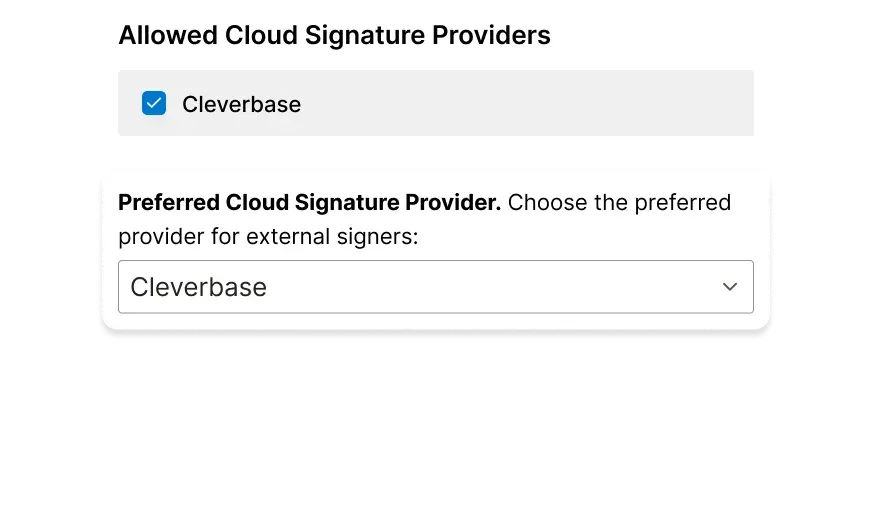
You can easily set Cleverbase as an allowed and preferred provider in your account settings.
Make sure 'Cloud Signatures' is ticked in your account settings for digital signatures
Under 'Cloud Signatures' you can then tick Cleverbase as an allowed provider
Finally, you can also select Cleverbase as your preferred provider
Let others sign with Cleverbase too
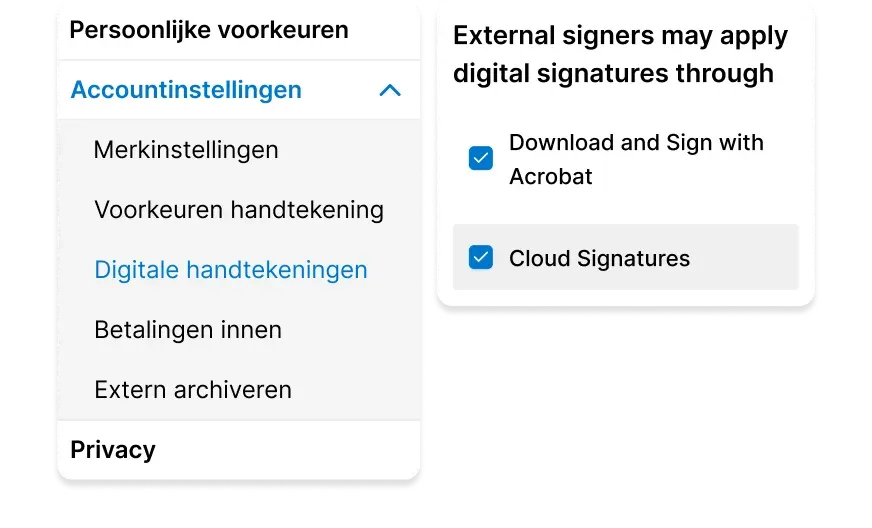
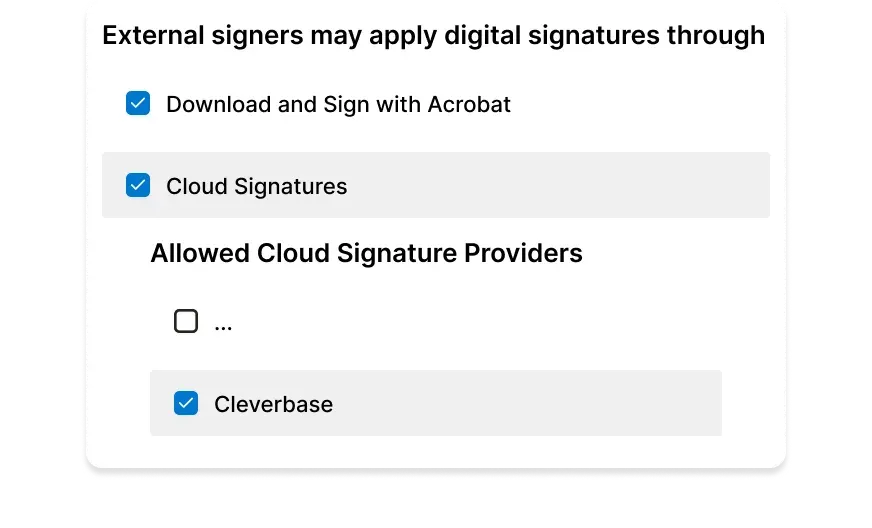
If you use different settings for the people you let sign, make sure Cleverbase is configured correctly there too.
Make sure 'Cloud Signatures' is ticked in your account settings for sent digital signatures
Under 'Cloud Signatures' you can then tick Cleverbase as an allowed provider
Finally, you can also select Cleverbase here as your preferred provider

Need a tailored solution or advice?
Do you have questions, or are you running into something a little different? We are happy to think along with you. Send us a message and we will get in touch with you soon.