Sign with confidence in ValidSign
Upload, send and have documents legally signed with ease.
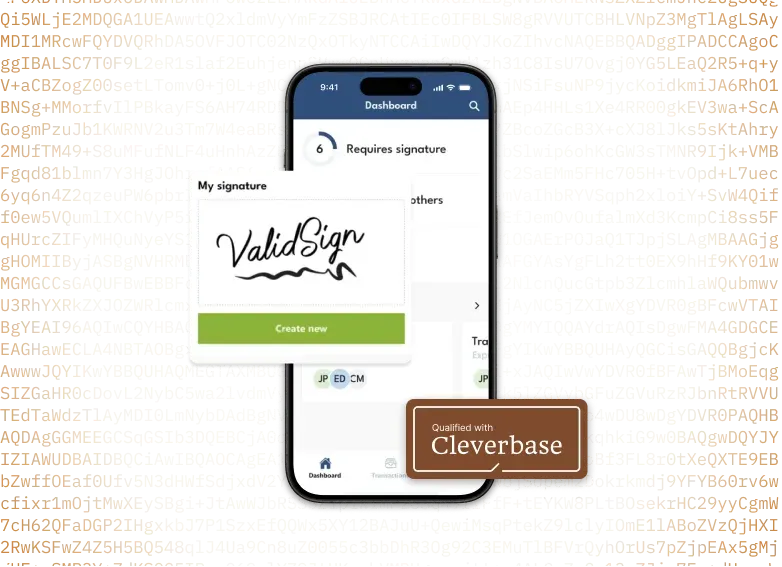

Trusted by thousands of organisations


Fully customisable to your company's design
Data securely stored in the Netherlands
eIDAS compliant
Sign anywhere, on any device
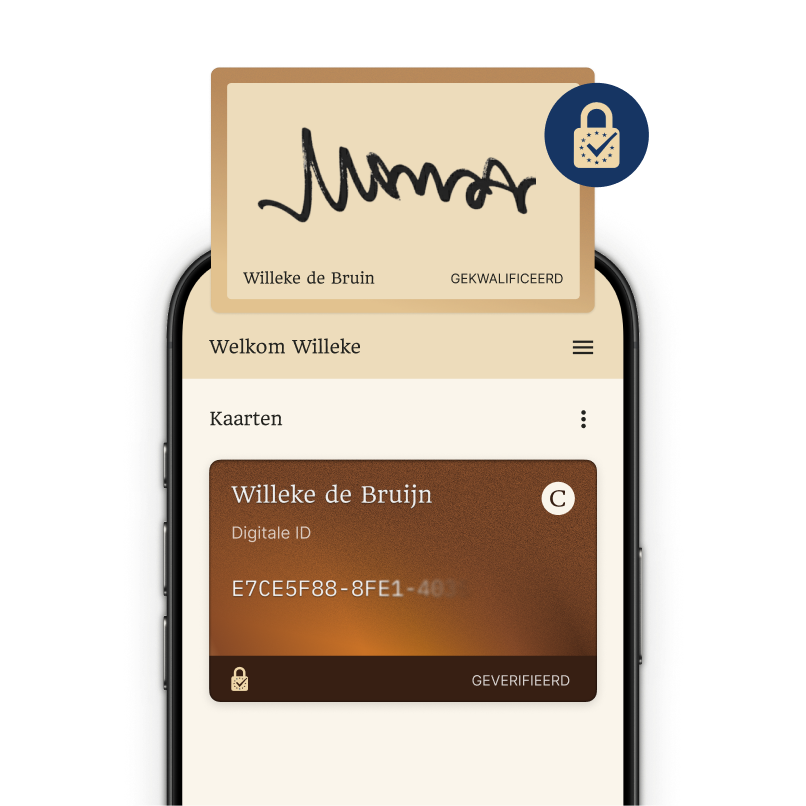
Qualified signing
Once Cleverbase is configured in your ValidSign account you can easily place qualified signatures (QES). This establishes the identity of the signer with the highest level of certainty and makes the digital signature legally valid.
Read more
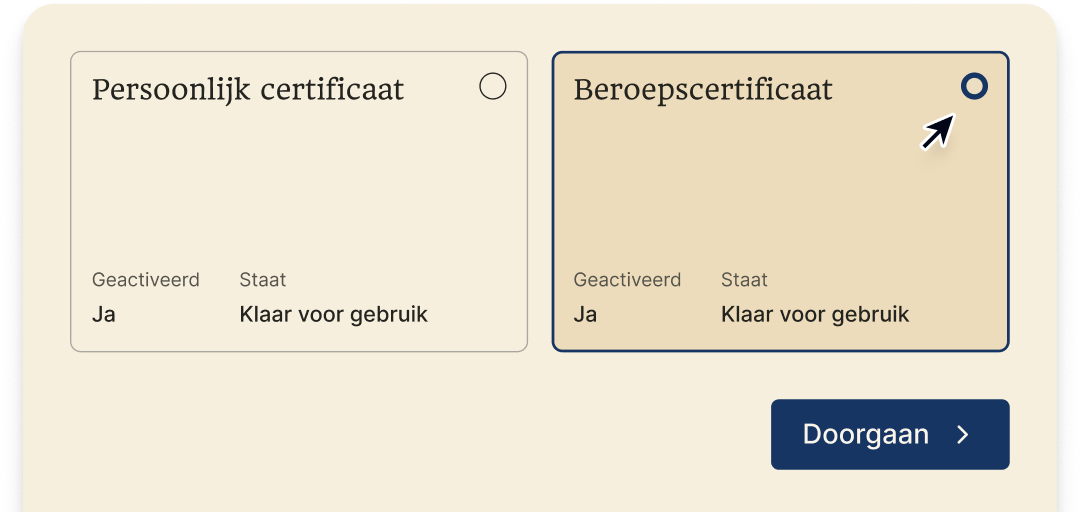
Sign as a registered accountant
With our professional certificate you sign and certify declarations with legal validity, with your title as RA or AA anchored in the signature. This also confirms that you sign in your professional capacity and meet the requirements for filing and submission.
Read moreValidSign connects to the systems you already use
Sales


HR


Popular integrations


Easily have your documents signed in a qualified way
Easily sign your documents at a level that is legally valid and future-proof.
Create a new transaction and add the recipients
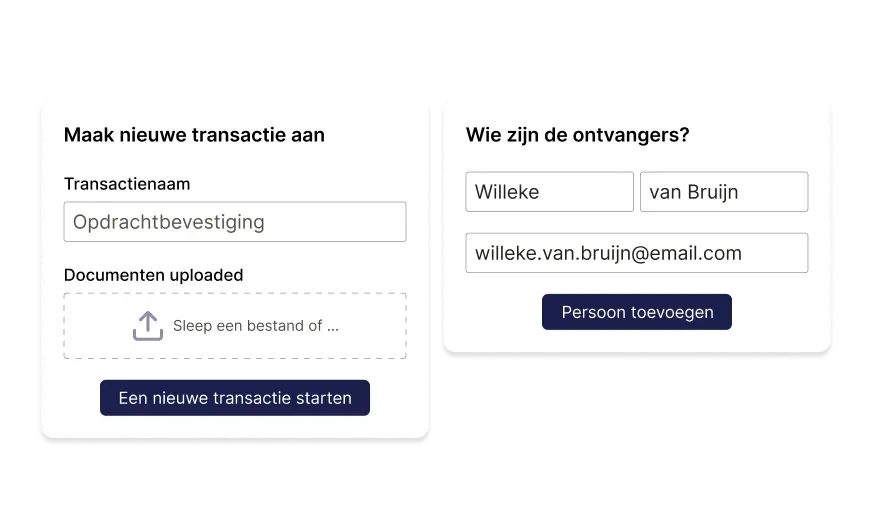
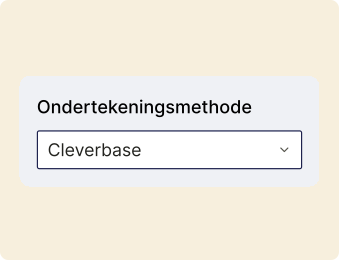
Set the signing method to Cleverbase for the recipient
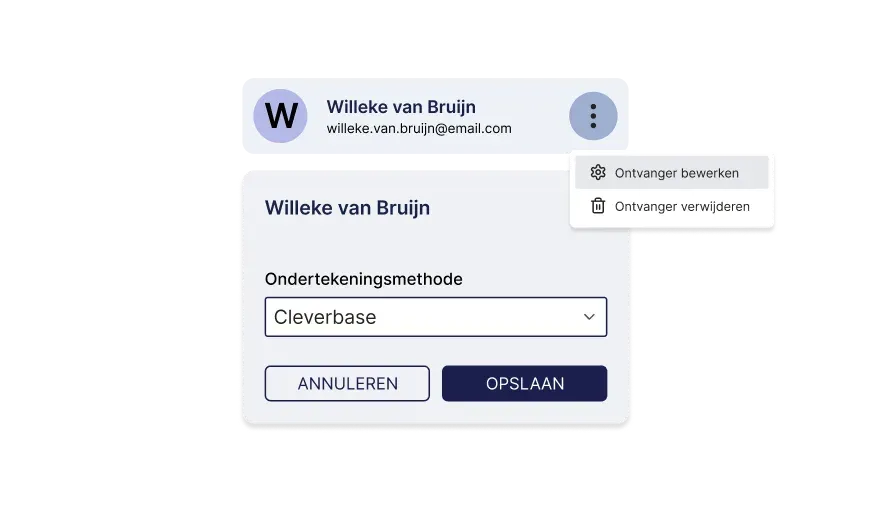
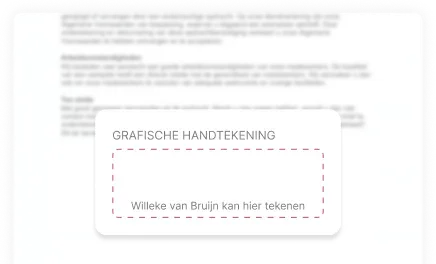
Choose how the signature should appear in the document
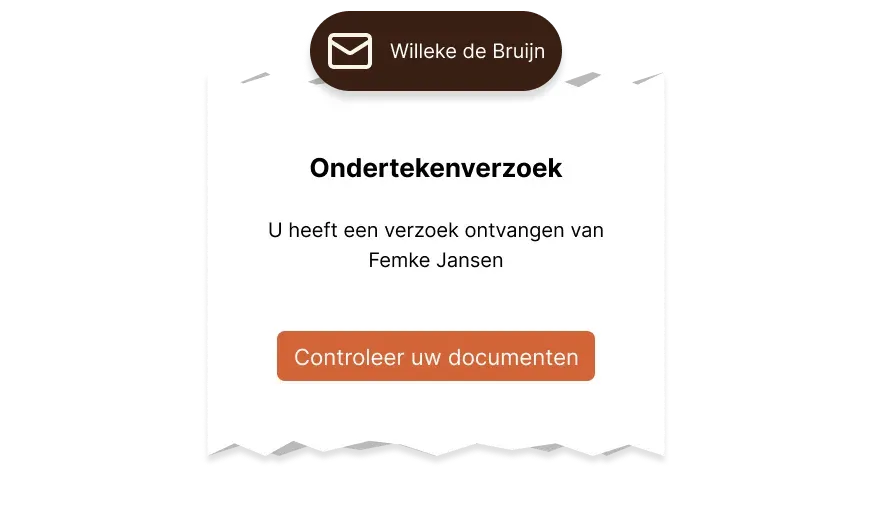
The signing request is sent to the signer
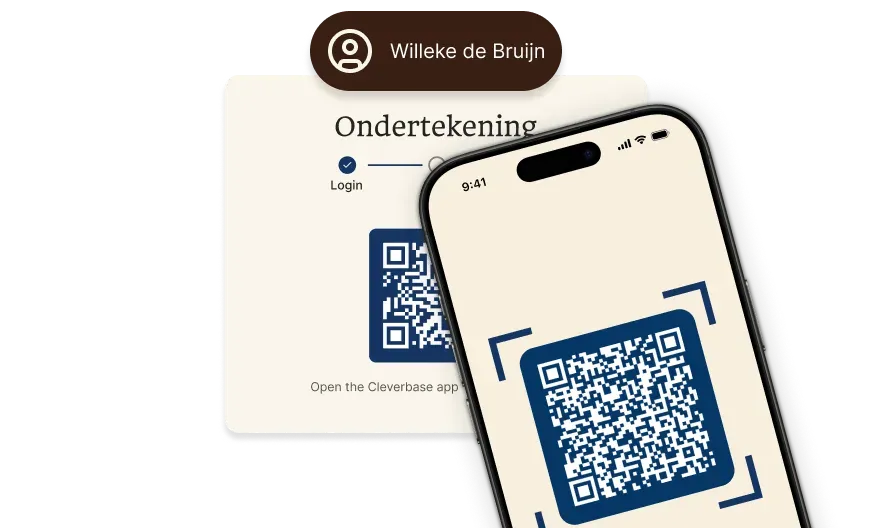
Let people sign easily using the Cleverbase app
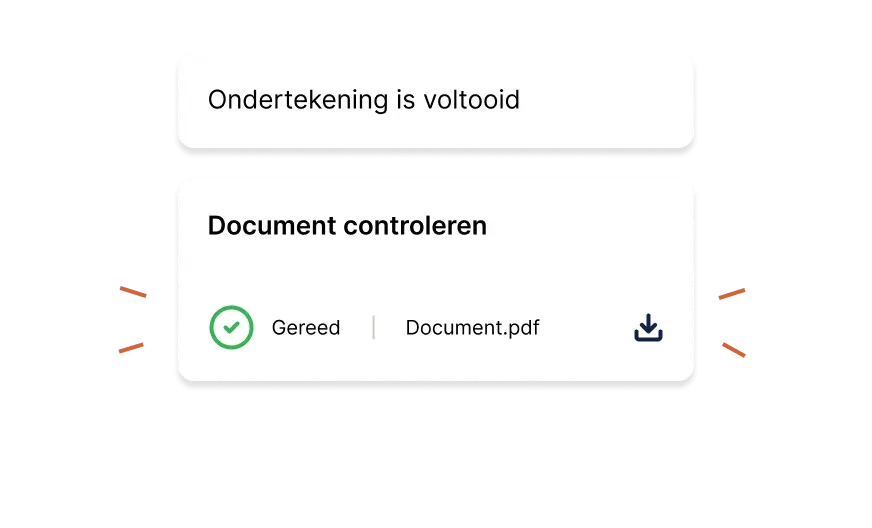
Done: your documents signed in a qualified way
Sign documents with your professional certificate
You can also sign documents using your professional certificate. Once configured, it is simply a matter of selecting the professional certificate after scanning the QR code.
Read more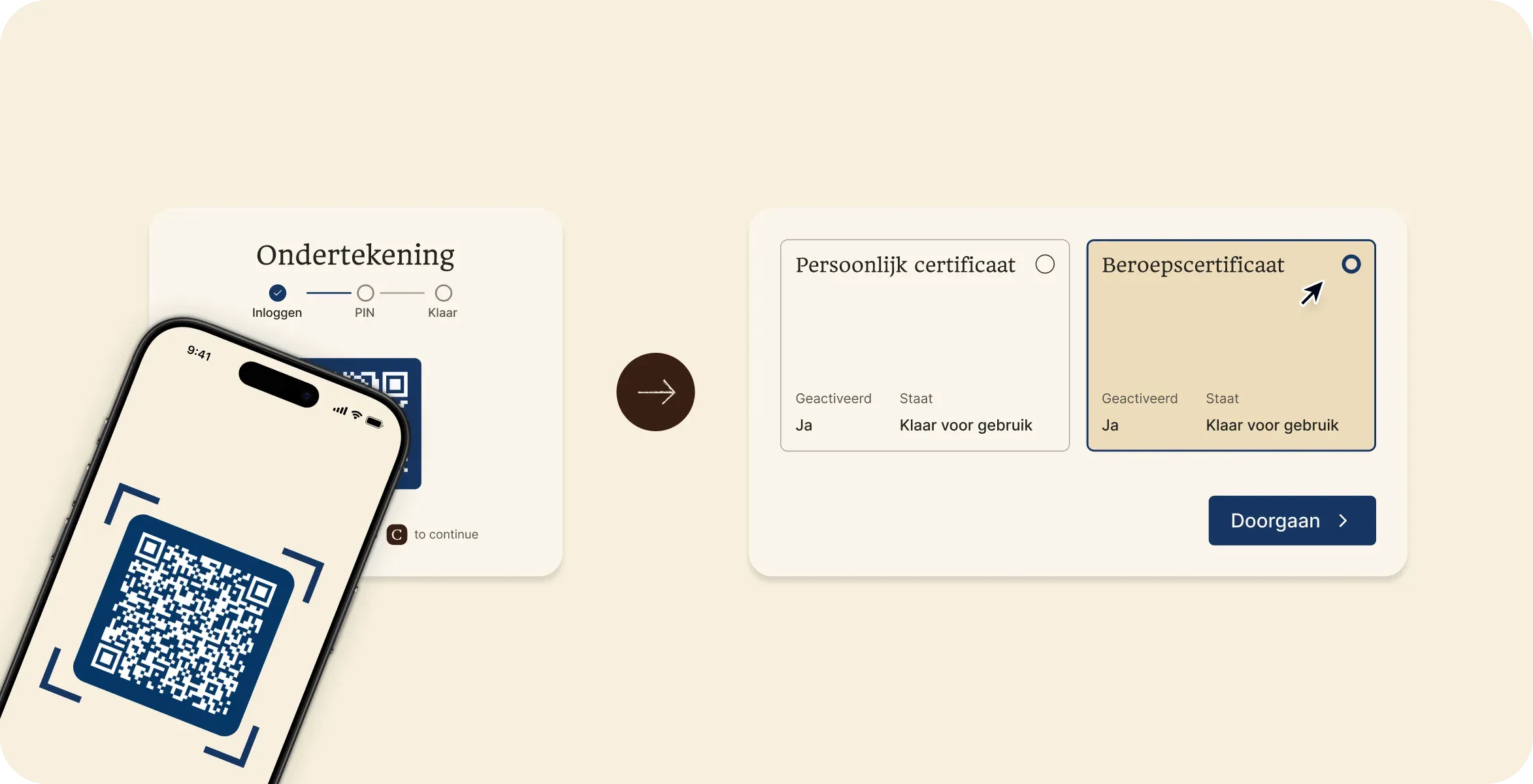
Trust services at low rates
Qualified trust services don't have to be expensive. With us you know where you stand and pay low rates.

Professional certificates
Sign and certify declarations as RA or AA.
per year
per certificate
excl. VAT¹

Qualified signing
Sign your remaining file documents in a personal capacity, or have others sign.
per person
per year
excl. VAT¹
1Excluding any platform costs
Add our services to your ValidSign account
Activate Cleverbase in ValidSign in two simple steps.
Inform ValidSign
Send an email to support@validsign.eu requesting that Cleverbase be activated in your account.

Set the signing method
Choose Cleverbase as the method for qualified signing.

Only pay from your first signature
You only pay from your first signature with your professional certificate. Do you still have a certificate with another provider? You can already request ours now and pay nothing for the period in which they overlap.
Configure your professional certificate
Preparation

Make sure the Cleverbase app is installed
Keep your passport and NBA number to hand
Receive your certificate
Click the button to start registration
Start registration
Qualified signing for your organisation
Choose your products
Cleverbase only uses the contact details you provide to contact you about your question. For more information, please consult our privacy statement.
Need a tailored solution or advice?
Do you have questions, or are you running into something a little different? We are happy to think along with you. Send us a message and we will get in touch with you soon.