Sign with Cleverbase in Docusign
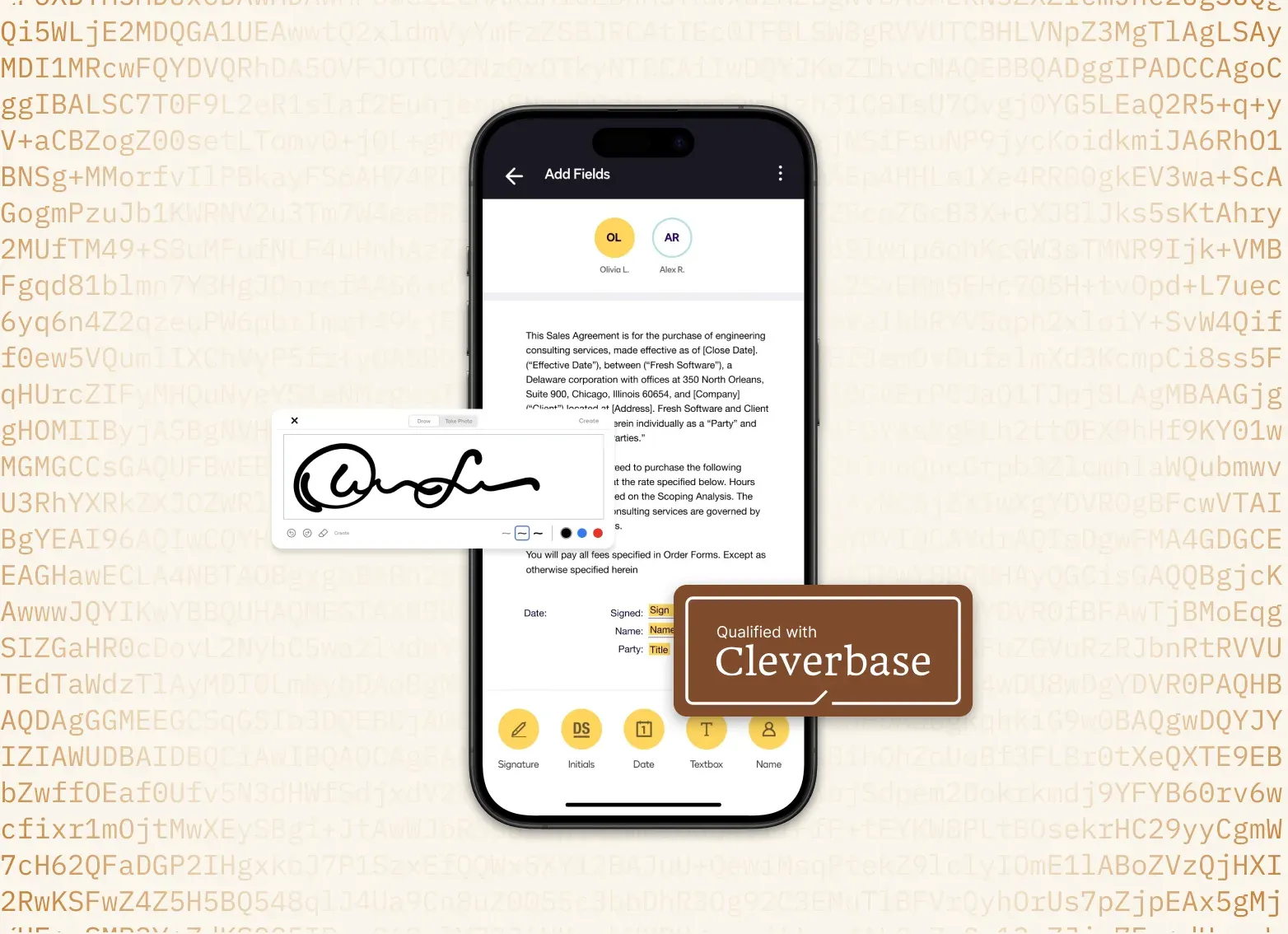
For contracts, policies and other important documents, an ordinary digital signature is often not enough. With Cleverbase you place a qualified signature in Docusign: legally equivalent to a handwritten signature.

Trusted by 1.7 million customers worldwide


ISO 27001-certified and GDPR-compliant
More than 1,000 ready-made integrations
Sign on almost any device
Not every signature carries the same weight
A scanned or drawn signature is easy to copy. According to the Dutch government, documents with serious financial or legal consequences therefore need a qualified signature. In some cases it is even mandatory.
Source: Dutch government, What is an electronic signature? (in Dutch)
The three types of electronic signatures
| Simple electronic signature | Advanced electronic signature | Qualified electronic signature | |
|---|---|---|---|
| Assurance | Low | Medium | High |
| What is it? | Any signature in digital form. For example a scanned signature on a PDF, your typed name under an email or a tick next to ‘agree’. | A digital signature linked to one person, for example through a code by text message. If someone later changes something in the document, that is visible. | An advanced signature with a qualified certificate. You only get one after your identity has been verified, for example with the chip in your passport. |
| How reliable? | Easy to forge. Anyone can paste a picture of your signature under a document. You also cannot see whether the document was changed later. | You can see whether the document was changed. How well the signer is checked differs per provider: sometimes an email address is enough. | Your identity was verified beforehand. Afterwards anyone can check who signed and whether the document is still intact. |
| Legally valid? | Yes, but in case of doubt you have to prove that the signature is genuine. | Yes, but in case of doubt you have to show that the way of signing was reliable enough. | Yes. By law it is equivalent to a signature in pen, throughout the EU. |
| Suitable for | Matters with little risk, such as accepting a quote or an internal approval. | Agreements with a medium risk, such as an engagement confirmation or a cooperation agreement. | Documents with serious legal or financial consequences, and when the law requires it. |
Simple electronic signature
- Assurance
- Low
- What is it?
- Any signature in digital form. For example a scanned signature on a PDF, your typed name under an email or a tick next to ‘agree’.
- How reliable?
- Easy to forge. Anyone can paste a picture of your signature under a document. You also cannot see whether the document was changed later.
- Legally valid?
- Yes, but in case of doubt you have to prove that the signature is genuine.
- Suitable for
- Matters with little risk, such as accepting a quote or an internal approval.
Advanced electronic signature
- Assurance
- Medium
- What is it?
- A digital signature linked to one person, for example through a code by text message. If someone later changes something in the document, that is visible.
- How reliable?
- You can see whether the document was changed. How well the signer is checked differs per provider: sometimes an email address is enough.
- Legally valid?
- Yes, but in case of doubt you have to show that the way of signing was reliable enough.
- Suitable for
- Agreements with a medium risk, such as an engagement confirmation or a cooperation agreement.
Qualified electronic signature
- Assurance
- High
- What is it?
- An advanced signature with a qualified certificate. You only get one after your identity has been verified, for example with the chip in your passport.
- How reliable?
- Your identity was verified beforehand. Afterwards anyone can check who signed and whether the document is still intact.
- Legally valid?
- Yes. By law it is equivalent to a signature in pen, throughout the EU.
- Suitable for
- Documents with serious legal or financial consequences, and when the law requires it.
When is it needed, and when is it mandatory?
Four examples from the Dutch government in which a qualified signature is needed or even mandatory.
-
 Needed
How it works for civil-law notaries
At the civil-law notary you sign documents with major legal consequences. A qualified signature then provides sufficient certainty.
View for civil-law notaries -
 Needed
How it works for mortgages
A mortgage is a major financial commitment. That is why a qualified signature is needed for sufficient certainty.
View for mortgages -
 Mandatory
How it works for insurers
Does an insurer draw up a policy digitally? Then a qualified signature is mandatory.
View for insurers -
 Mandatory
How it works for HR
Does an employer share your name, position and salary digitally, for example in an employment agreement? Then it is mandatory.
View for HR

Ready to sign at a qualified level?
Activate Cleverbase in your Docusign account. From €3.75 per user / per year.
How it works
Three short guides: from turning it on to checking. View a guide or the video.
- 1
Turn on Cleverbase in Docusign
Turn on Cleverbase QES once for your entire Docusign account.
View guide - 2
Find and share the account ID
Look up the account ID and share it with your colleagues, so everyone can get started.
View guide -
Start signing at a qualified level today
Become a customer and activate Cleverbase in your Docusign account.
- Qualified electronic signature (QES), legally equivalent to a handwritten signature
- The signer's identity established at the highest level
- Sign from your own phone, without a card reader or token
- Turn it on once, then available to your entire organisation
Choose your price model
We only use your contact details to contact you about your question. Read more in our privacy statement.

Need a tailored solution or advice?
Do you have questions, or are you running into something a little different? We are happy to think along with you. Send us a message and we will get in touch with you soon.